



1. Objectives
- Understand the basic structure of email systems
- Understand clients and servers, and the communication between servers
- Analyze and understand the SMTP and POP3 protocols
2. Experimental Environment
- Hardware requirements: One Alibaba Cloud ECS instance.
- Software requirements: Linux/Windows operating system
3. Experimental Content
3.1 Nginx Installation and Deployment
Nginx is a lightweight web server/reverse proxy server and an email (IMAP/POP3) proxy server.
This experiment requires installing and deploying the Nginx web server to implement basic static and dynamic web page access. The page content is not restricted.
References:
3.2 Apache Installation and Deployment
Apache is one of the most popular web server software. It is fast and stable.
This experiment requires installing and deploying the Apache web server to realize basic static and dynamic webpage access. The page content is not restricted.
References:
https://blog.csdn.net/weixin_42709659/article/details/81938176
4. Experimental Results and Analysis
3.1 Nginx Installation and Deployment
1. Nginx Installation and Deployment
- Install dependencies:
openssl,zlib,pcre - Install Nginx
tar -zxvf nginx-1.22.0.tar.gzcd nginx-1.22.0./configure --prefix=/usr/install/nginx --with-pcre=../pcre2-10.40 --with-zlib=../zlib-1.2.12 --with-openssl=../openssl-3.0.3make && make installThe run result shows the installation is complete

2. Nginx Displays Static Page
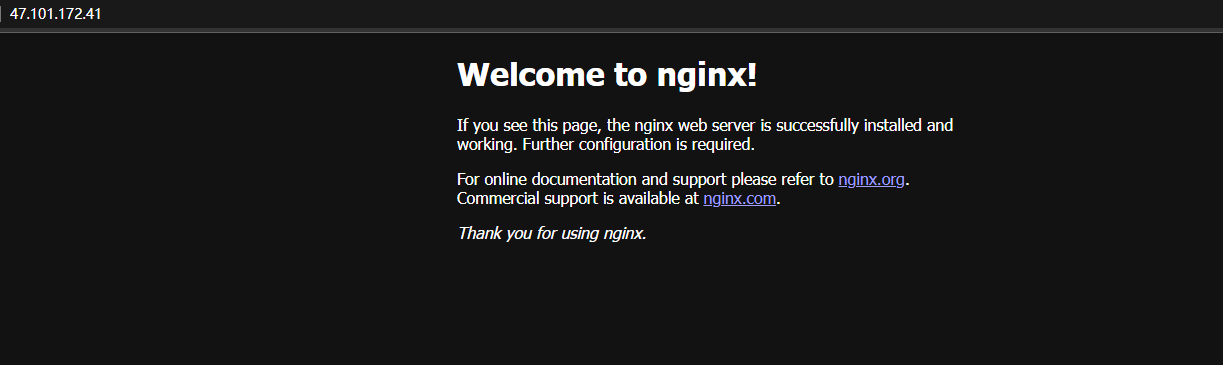
The Nginx configuration homepage can be accessed normally
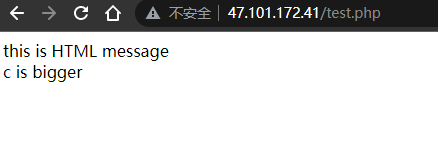
At the same time, by installing PHP and enabling Nginx’s PHP support configuration, Nginx serves static PHP pages.
3. Nginx Displays Dynamic Page
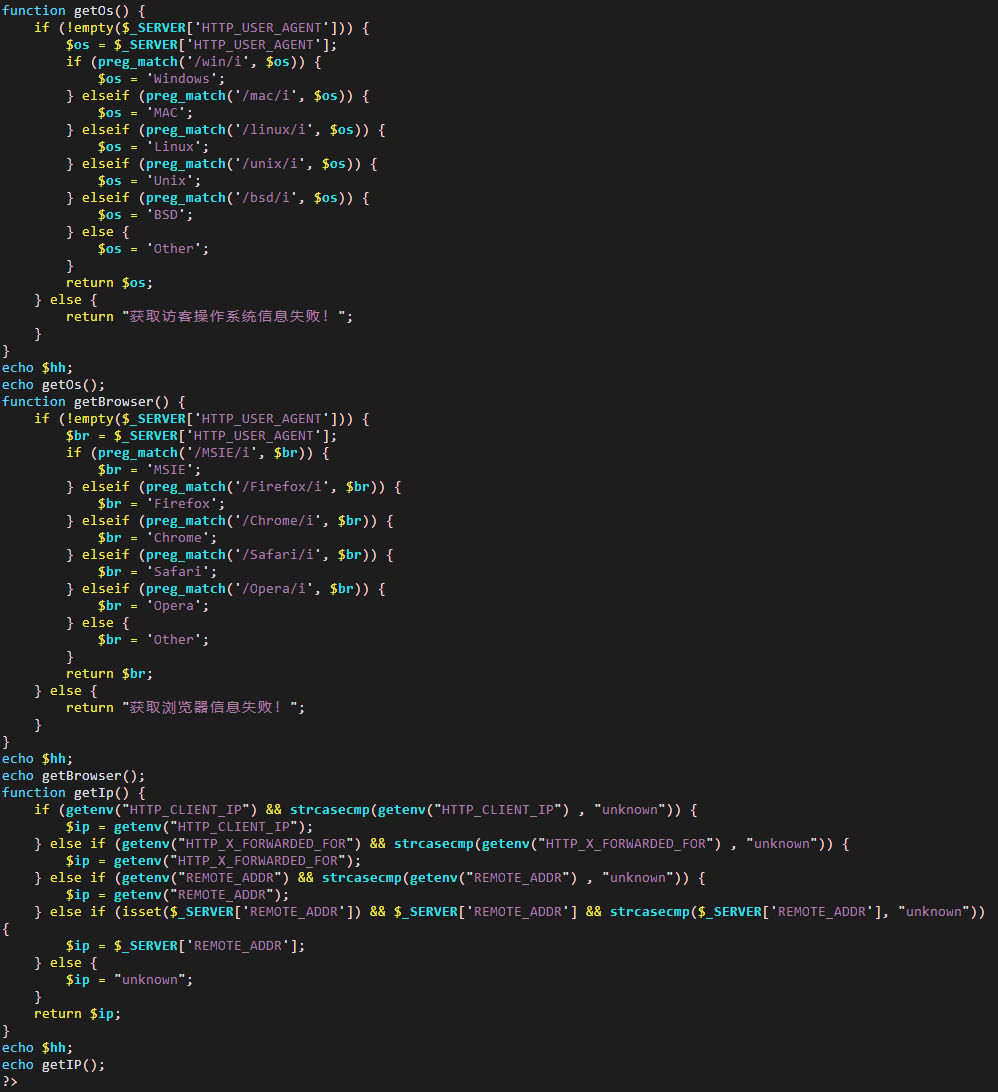
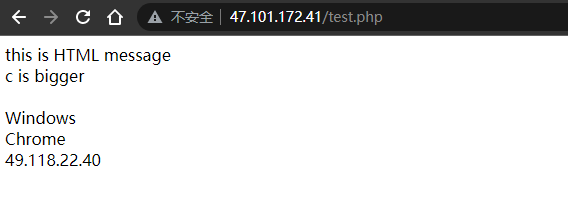
Using PHP functions to extract the IP address, operating system, and browser of the server requests and output them, thereby achieving dynamic page display.
3.2 Apache Installation and Deployment
1. Apache Installation and Deployment
Install Apache via yum and start the service and enable at boot.
yum groupinstall web* -ysystemctl restart httpdsystemctl enablehttpdInstallation completed

Open ports 80 and 443

2. Apache Displays Static Web Page
The Apache default homepage can be accessed normally
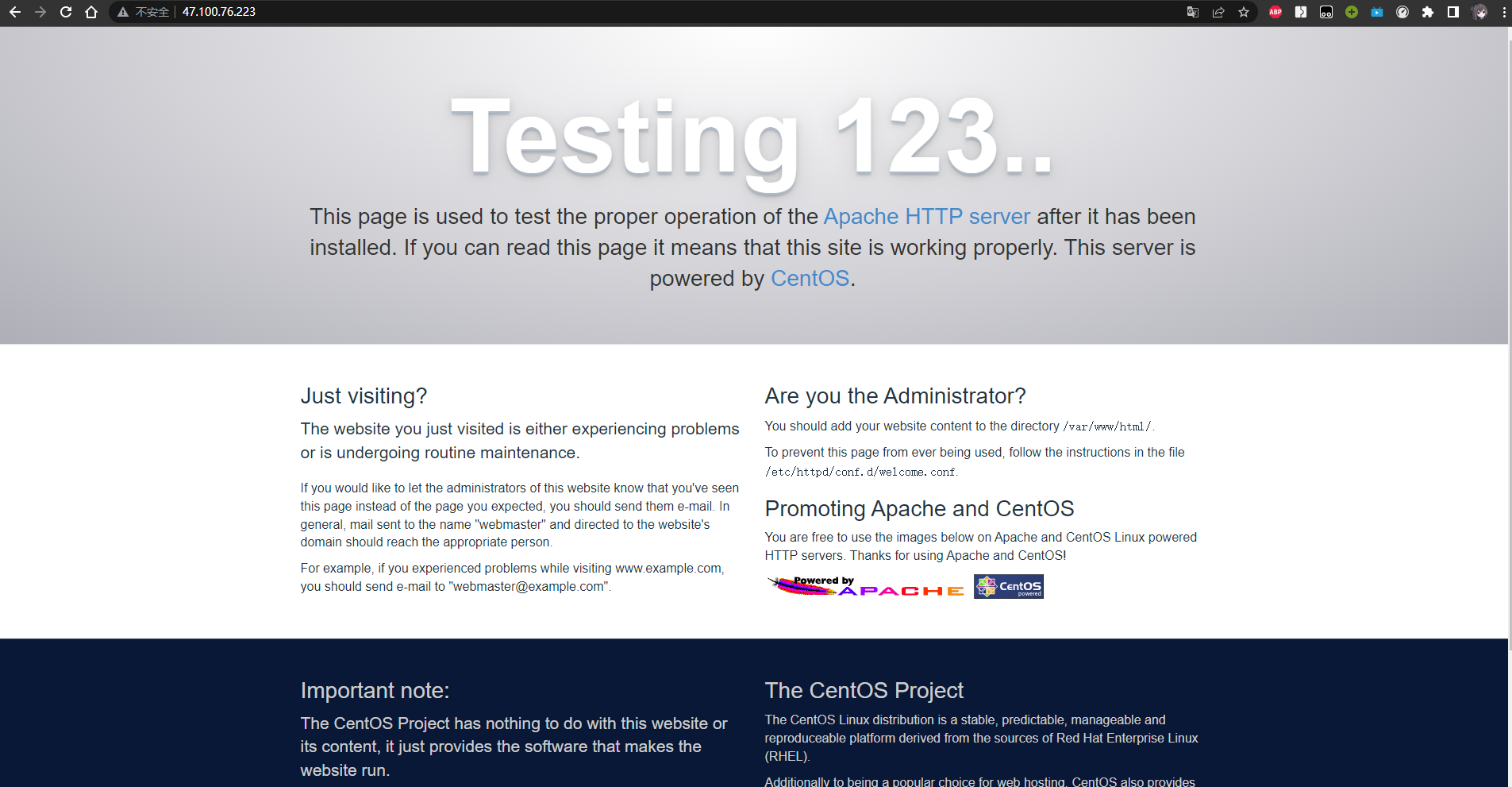
At the same time, by installing PHP and adjusting the Apache configuration file, Apache serves static PHP pages.
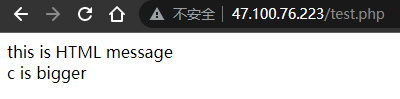
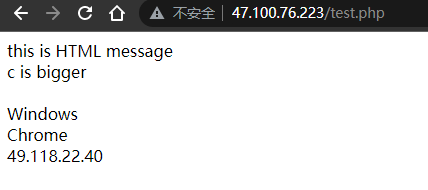
3. Apache Displays Dynamic Page
Similar to Nginx, by using PHP functions to extract the IP address, operating system, and browser of server access and output them, the webpage is displayed dynamically.
5. Experimental Summary
5.1 Problems and Solutions
Problems encountered when compiling and installing dependencies. The solution is that GCC was not installed; install it with yum -y install gcc. The issue of nginx not being found when running nginx is caused by not defining the Nginx address as a global variable; after setting it as a global variable, it works normally. vim /etc/profilesource /etc/profilenginx -s reload
5.2 Learnings and Reflections
- This lab report familiarized with applying Nginx and Apache to deploy webpages, validating the knowledge learned in class. Through this experiment, I mastered the specific workflow for using Nginx and Apache, understood the basic usage of common Linux configuration software, and improved my programming ability.
- Through these common Linux command operations, the configuration and use of Nginx and Apache confirmed what was learned in class.
If this article helped you, please share it with others!
Some information may be outdated